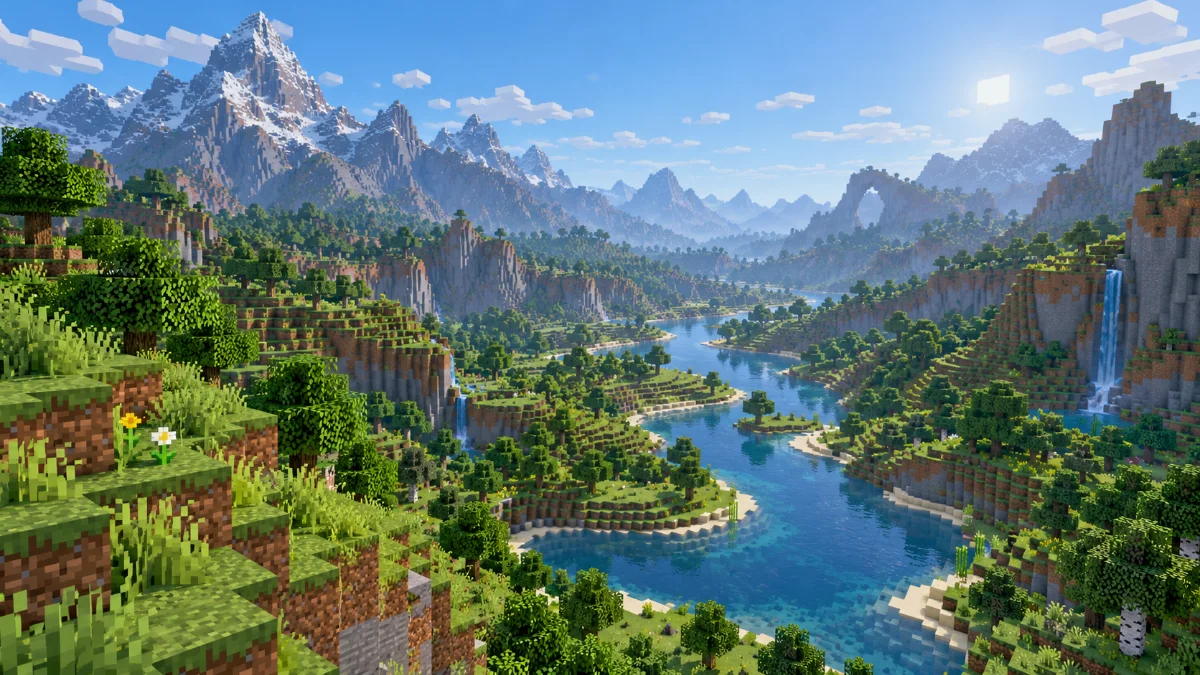
Minecraft guides
Best Settings
Find a view distance that suits your world and hardware without sacrificing smooth movement.
Read guidePractical guides for clearer horizons, smoother exploration and a better understanding of your Minecraft world.
Find a view distance that suits your world and hardware without sacrificing smooth movement.
Read guide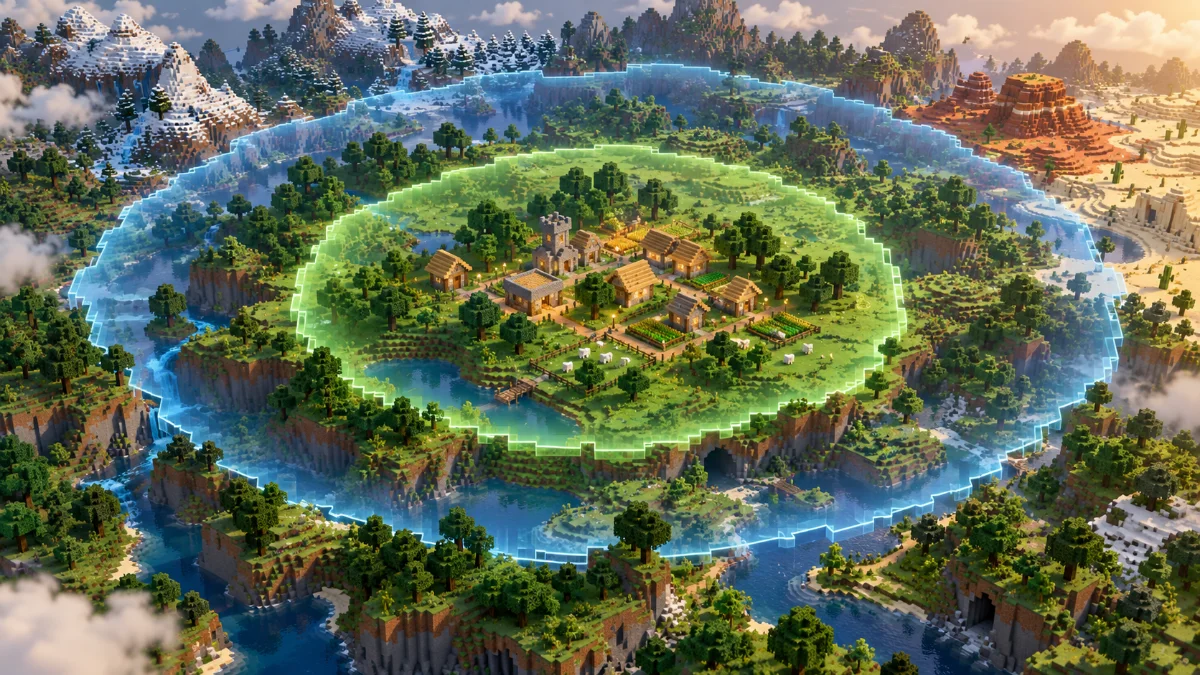
Understand which setting changes distant scenery and which controls nearby world activity.
Read guide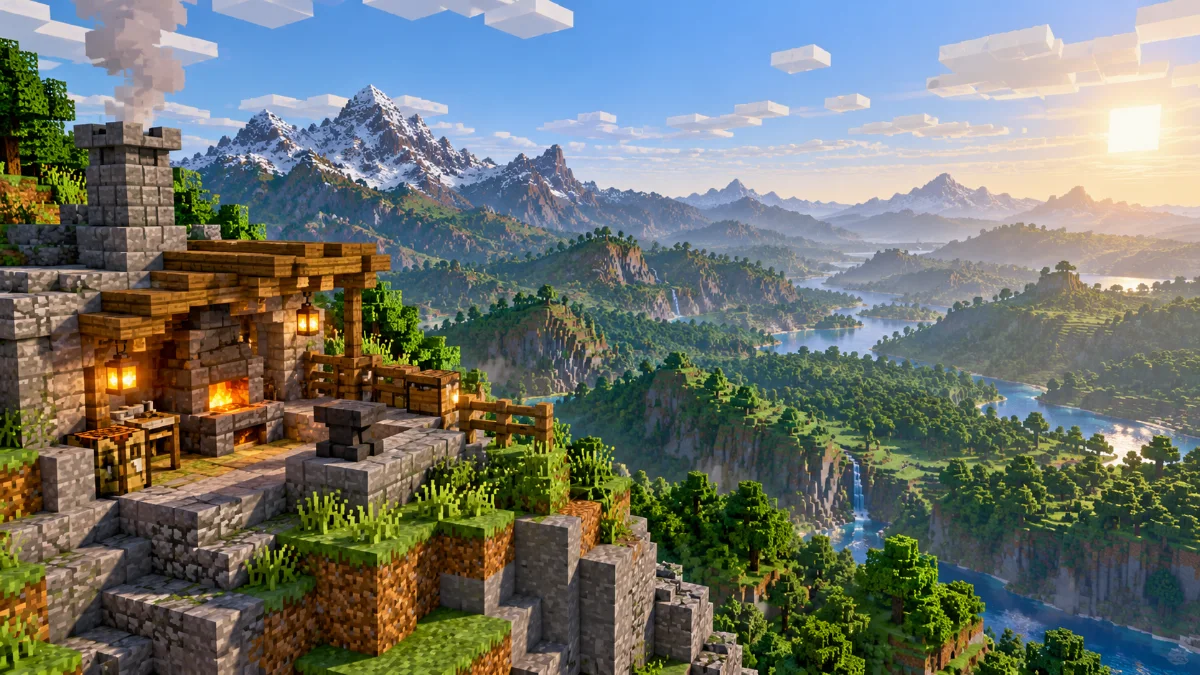
Check compatibility and tune your Forge setup before increasing the view range.
Read guide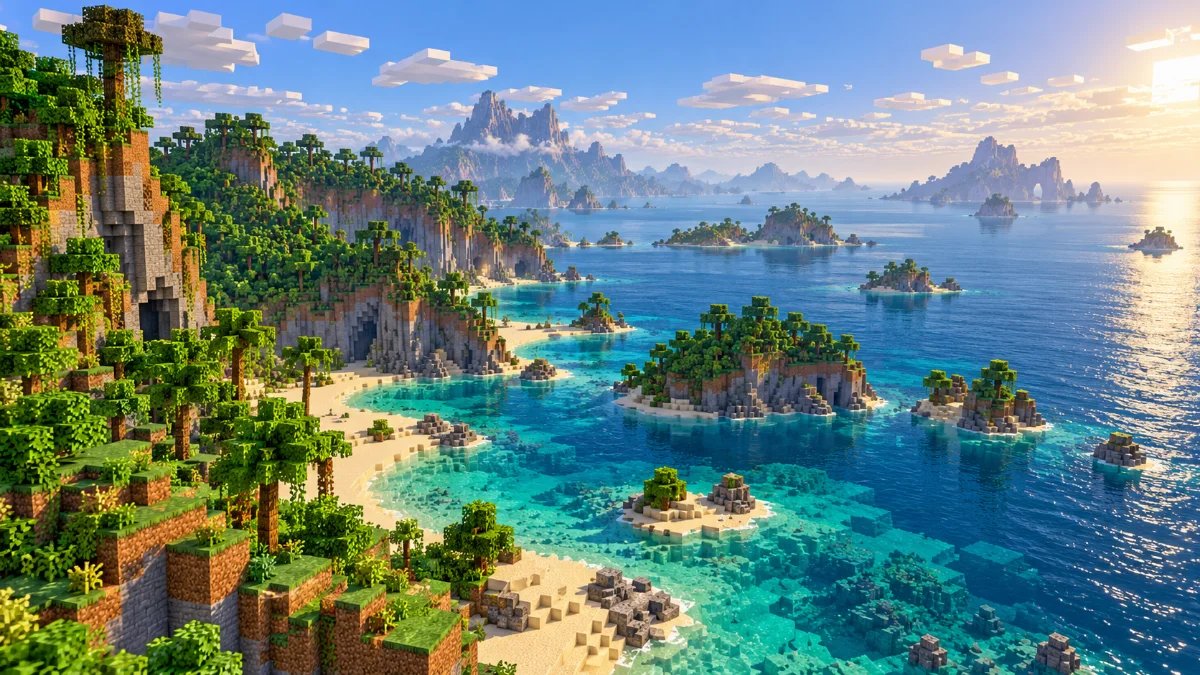
Use Bedrock's video settings and understand why available distances vary between devices.
Read guide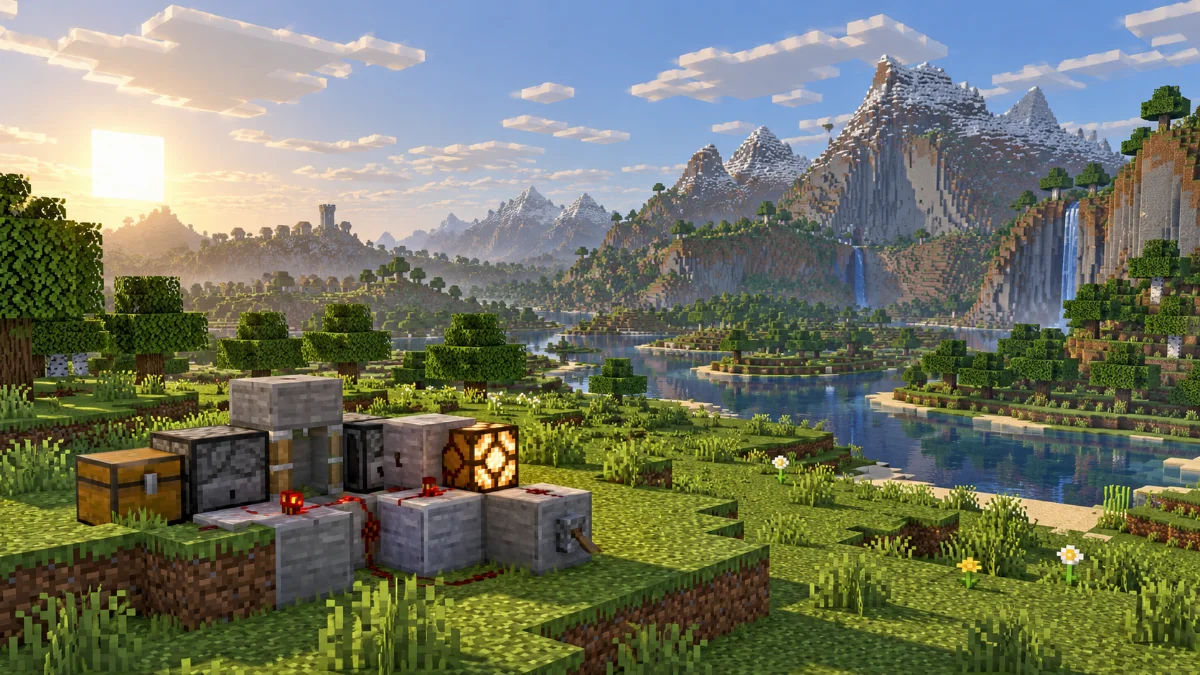
A practical sequence for diagnosing stutter when you increase the visible world.
Read guide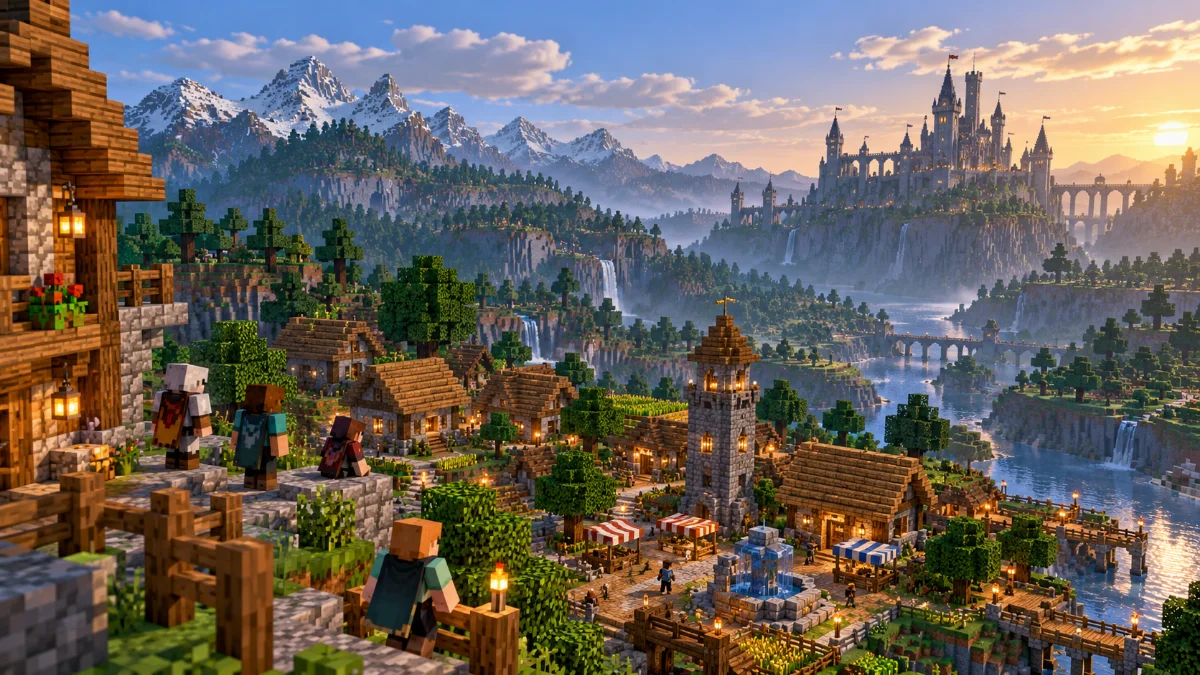
Learn why a high client slider can still show a shorter horizon in multiplayer.
Read guide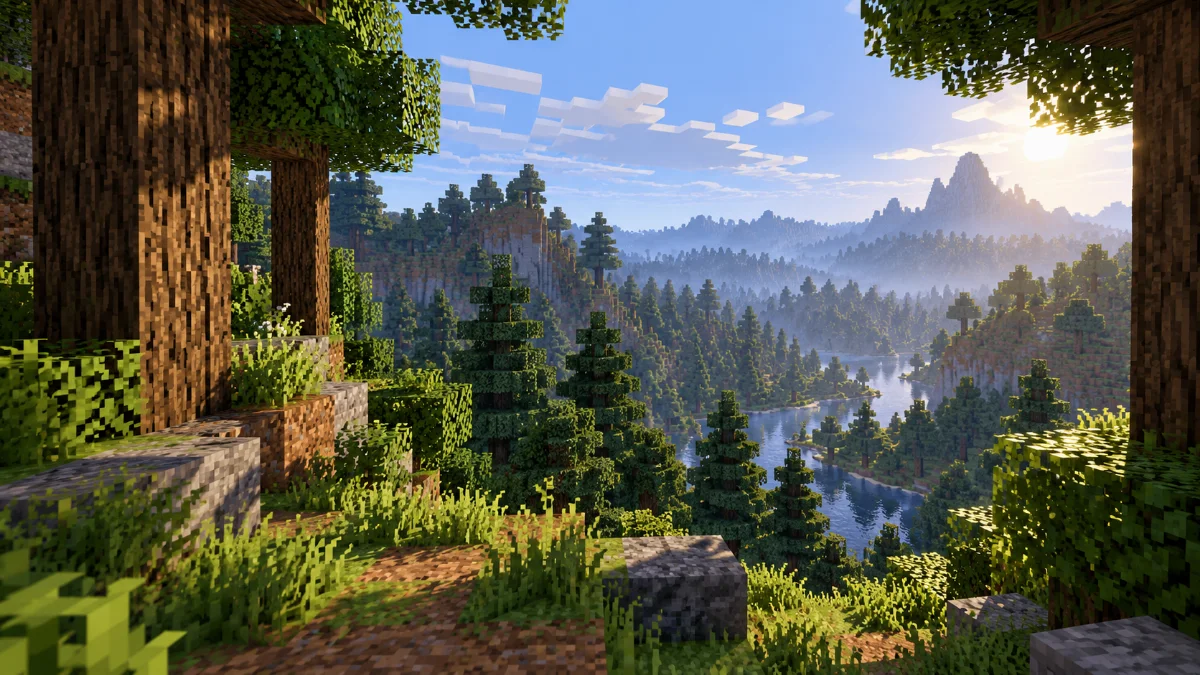
Separate visual resource changes from mods that manage terrain and view distance.
Read guide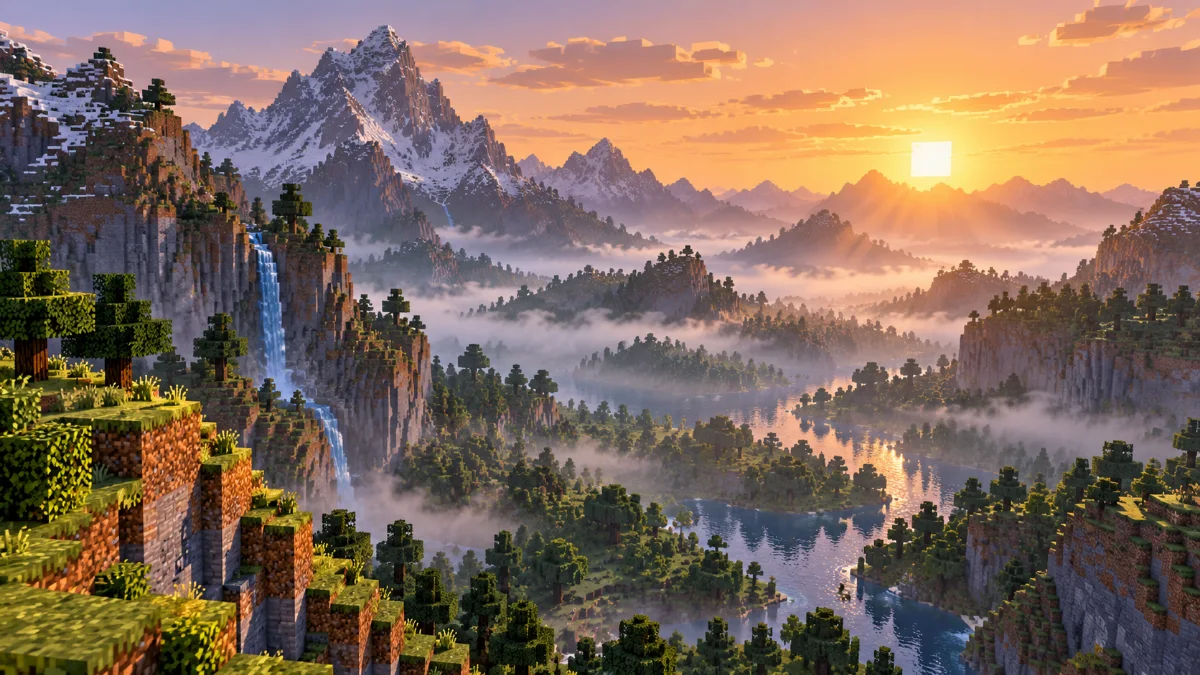
Find out why distant terrain can look hidden even when your distance setting is high.
Read guide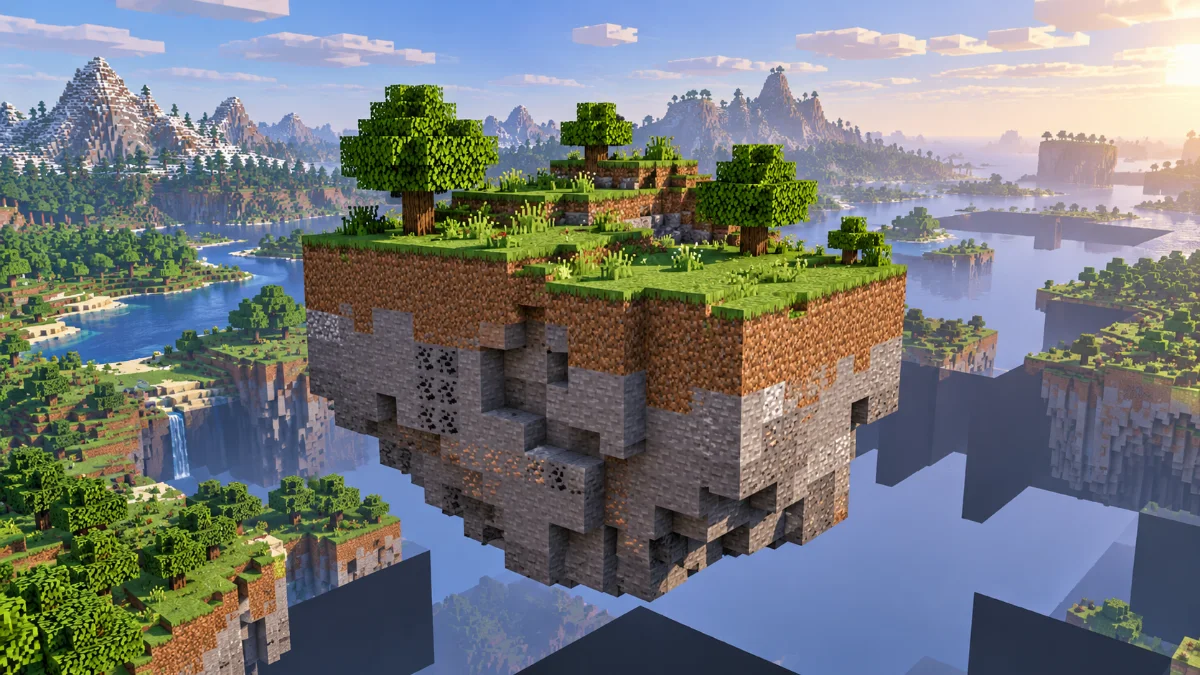
Work through missing-terrain problems without immediately changing several settings.
Read guide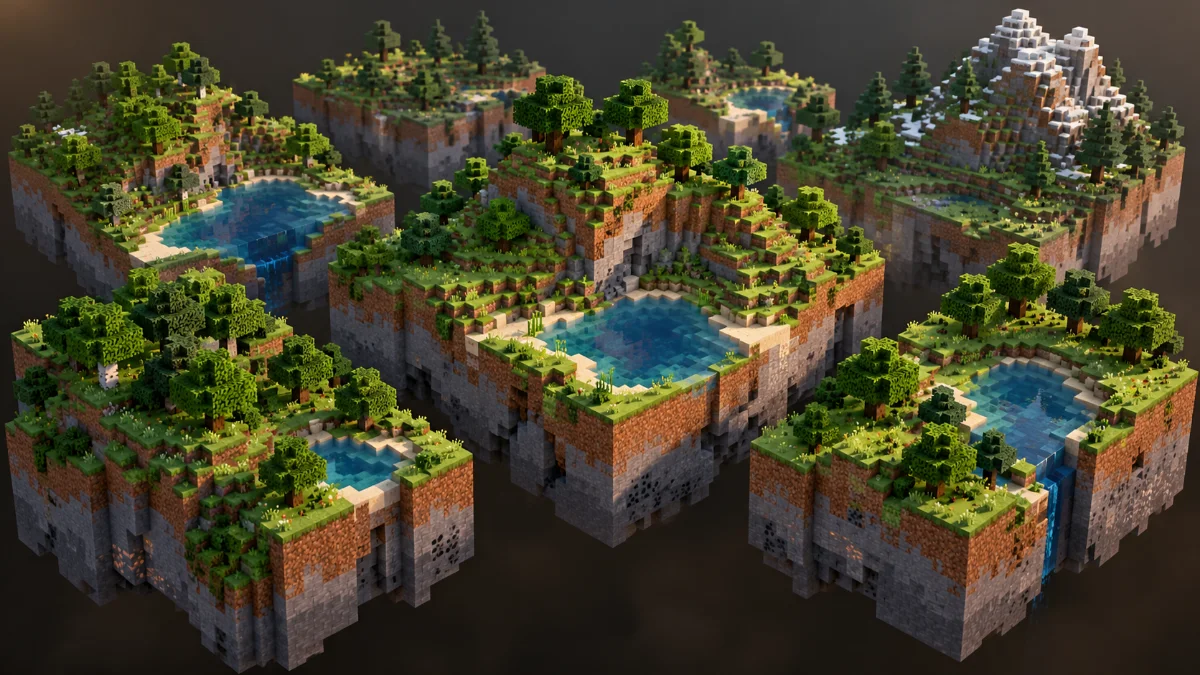
Why showing a wider landscape can increase memory pressure and loading work.
Read guide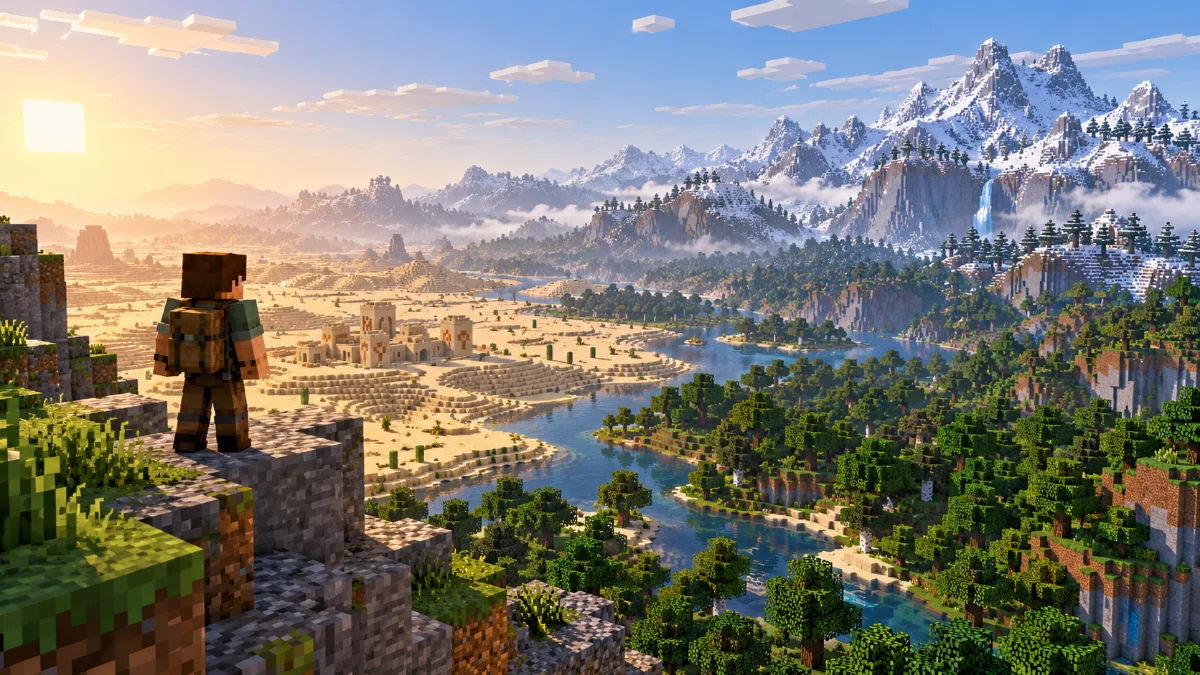
Balance landmark visibility and smooth travel when exploring unfamiliar terrain.
Read guide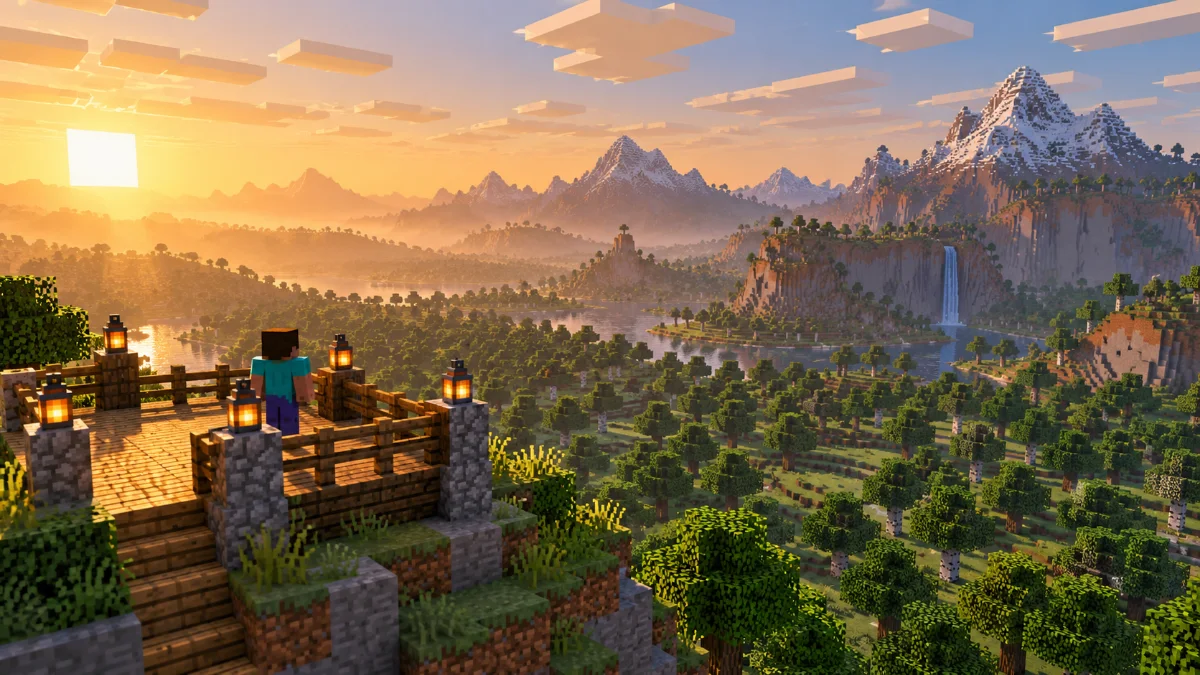
Build a fair comparison before deciding whether a new setting or mod helped.
Read guideVisit Render Distance Mod for downloads and guides.