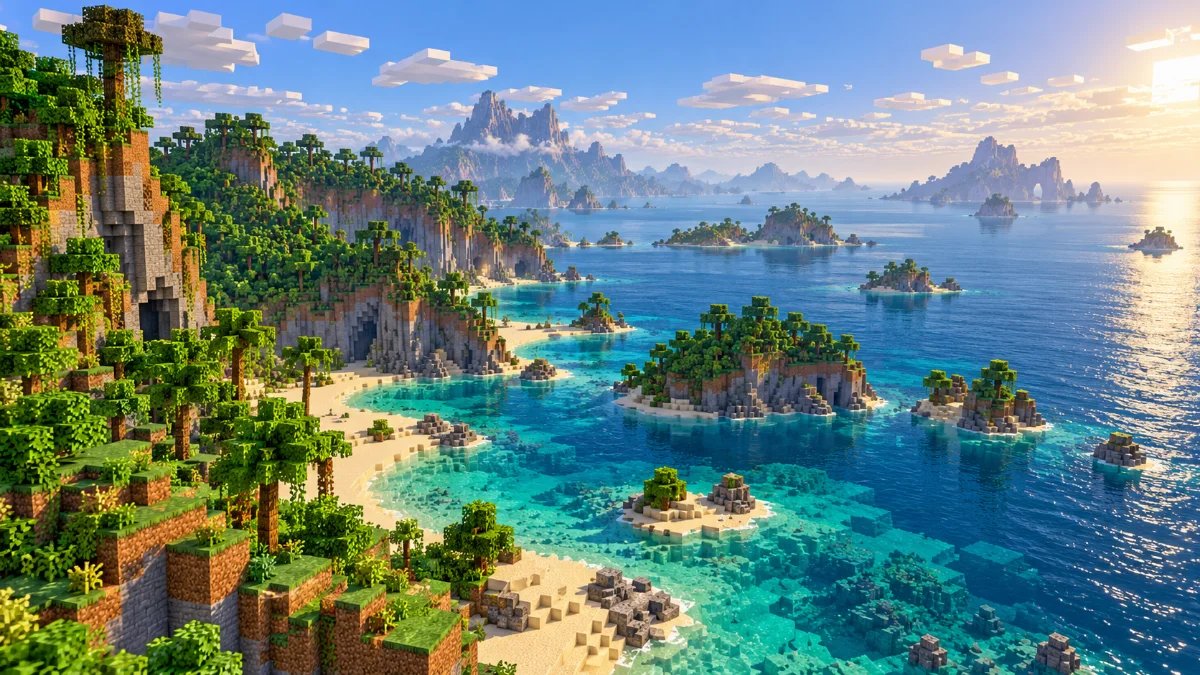
Video Settings
Open Minecraft's video settings and locate Render Distance. Menu wording and the highest available value can differ by platform, release and device. Use the options shown by your installation as the starting point.
Performance Test
Increase the distance a little, allow terrain to settle, then travel through a familiar area. On phones and tablets, repeat the test after playing for a while because device temperature and battery conditions can change performance.
Server Limits
A server or Realm may restrict the terrain available to your client. Raising a local slider cannot force a remote server to provide more data. Java Forge mods are not a Bedrock installation method; use Bedrock-compatible content.
Further reading: Minecraft Creator documentation on render and simulation distance. Settings and mod compatibility vary by edition and version.