Render Distance
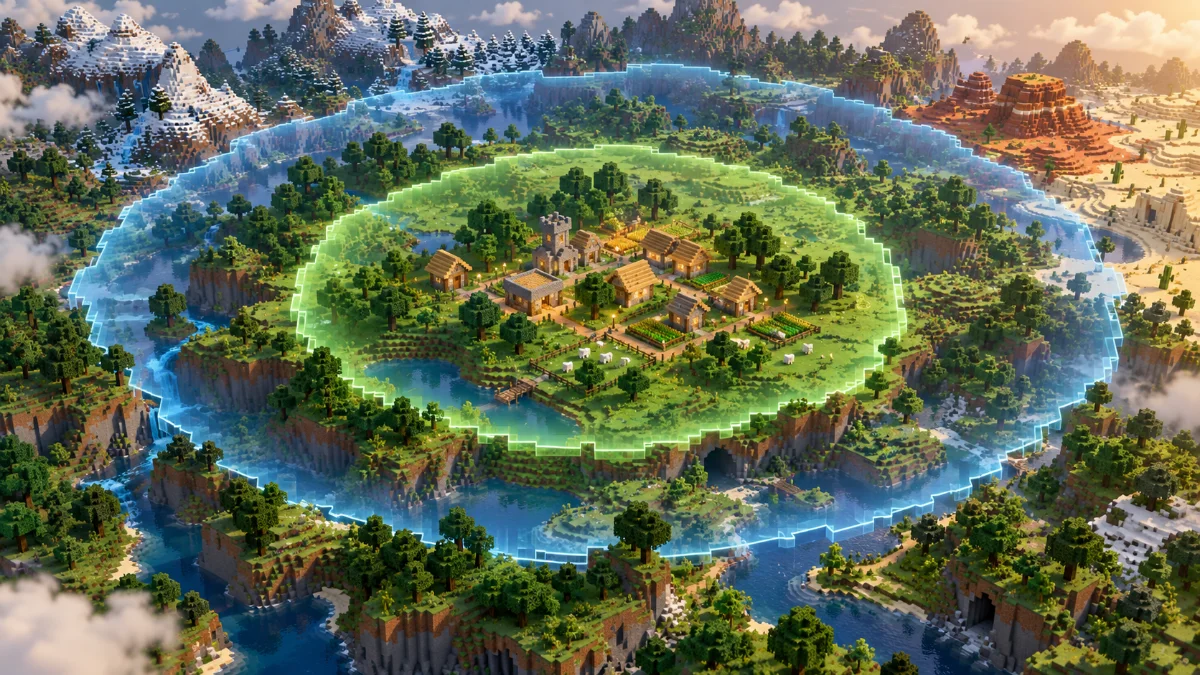
Render distance controls how far terrain can be displayed around the player. A larger visible area helps you spot landmarks, but it also increases the amount of scenery the game may need to prepare and draw.
Simulation Distance
Simulation distance concerns the area where world activity is processed. Seeing a distant landscape does not mean every farm or creature there remains active. Exact behavior depends on the edition and game version.
Use Cases
Increase render distance when you want a wider view. Review simulation distance when nearby world activity matters to your build. Test farms in the actual world rather than assuming that visible chunks are active chunks.
Further reading: Minecraft Creator documentation on render and simulation distance. Settings and mod compatibility vary by edition and version.