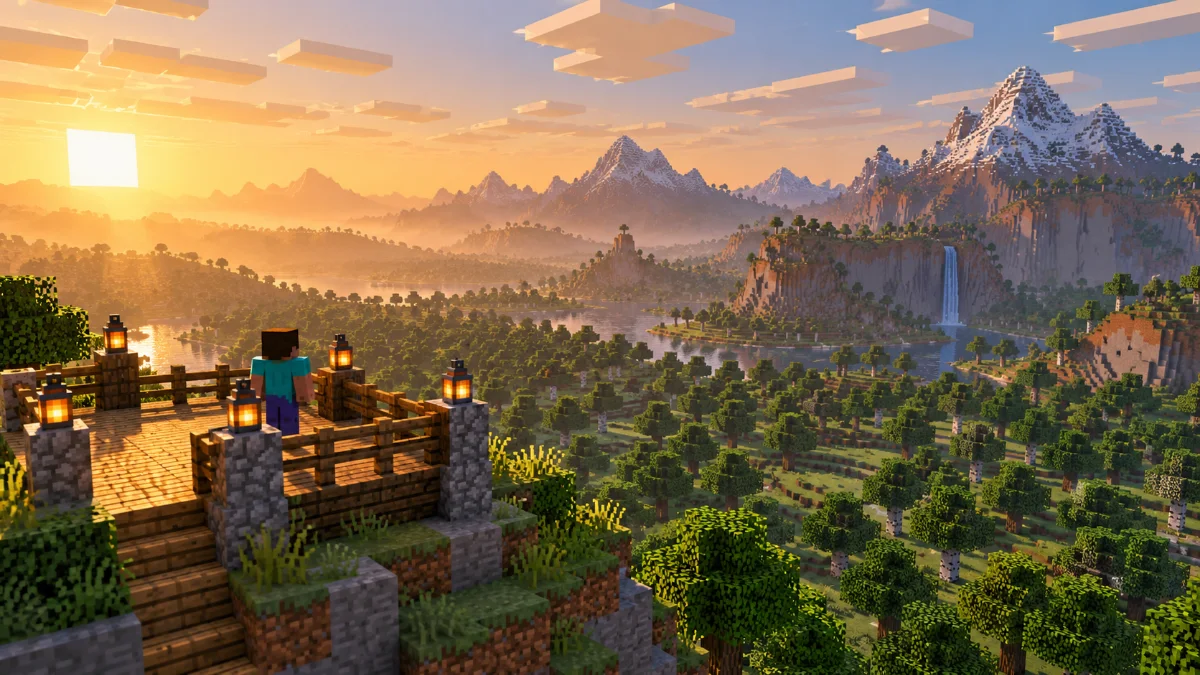
Test Setup
Use the same world, route, resolution and graphics settings for every run. Include a quiet viewpoint and a short movement section. Let the world settle before each run and note whether the route was already explored.
Record Results
Write down the render distance, simulation distance, active shaders and any noticeable pauses. Repeat each setting so a one-time background task does not decide the result. Compare loading behavior as well as how smooth the stationary view looks.
Compare Results
Choose the highest setting that feels consistent during your usual play. Save the results alongside your game and mod versions so you can repeat the test after an update. Describe results as measurements from your setup rather than promises for every device.
Further reading: Minecraft Creator documentation on render and simulation distance. Settings and mod compatibility vary by edition and version.