Wait for Loading
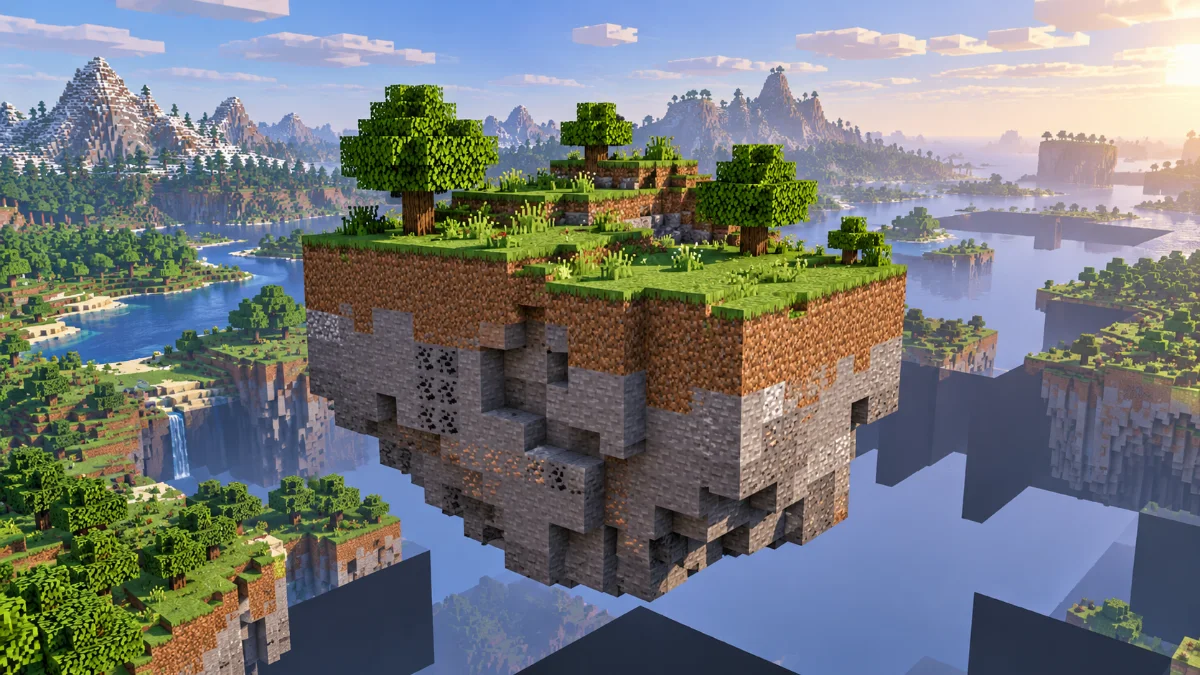
Stop moving for a moment and watch whether the missing area fills in. Fast travel, new terrain generation and a busy server can delay what appears on screen. Try the same location again after nearby terrain is available.
Test a Clean Setup
Close and reopen the world, then test without recently added visual mods or shaders using a separate profile. Back up saves before changing the mod list. If the issue occurs only on one server, compare another server or a local world.
Check Logs
Check game logs for errors and record the game version, loader and mod list when asking for help. Avoid deleting region files as an early troubleshooting step; those files contain world data. Restore from a backup only when you understand what will be replaced.
Further reading: Minecraft Creator documentation on render and simulation distance. Settings and mod compatibility vary by edition and version.