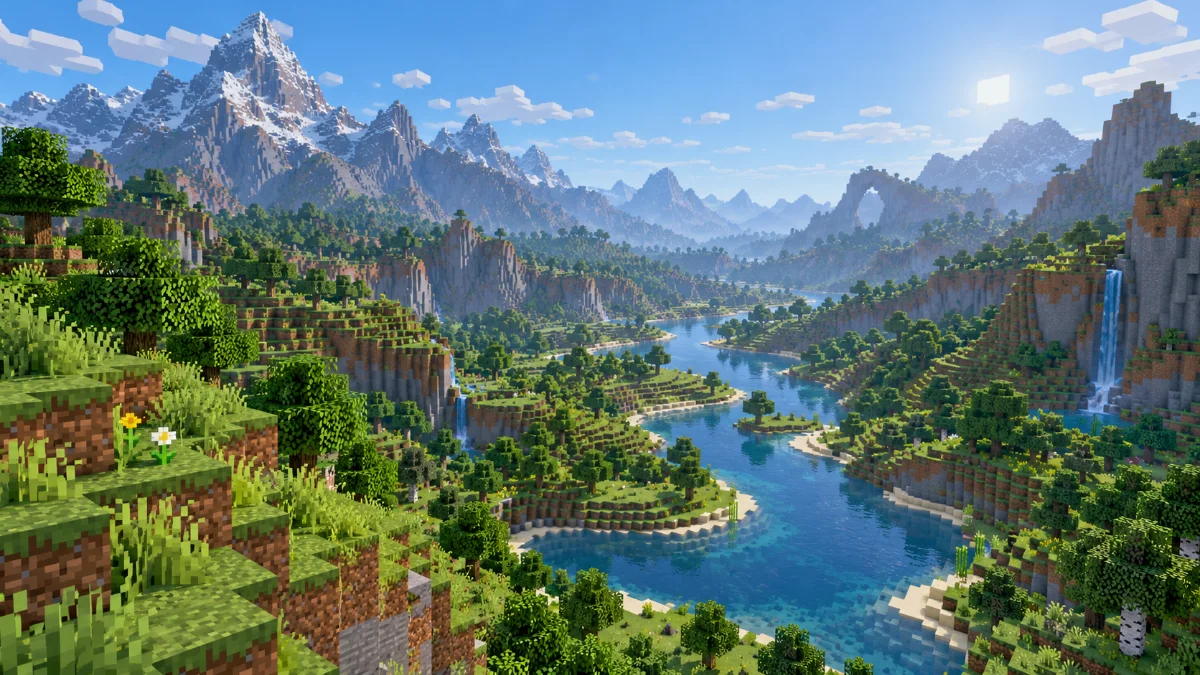
Test Scene
Choose a familiar outdoor spot with hills, trees and buildings at different distances. Keep the resolution, graphics preset and resource packs unchanged while testing. Stand still until nearby terrain finishes loading before judging the view.
Adjust Distance
Begin at a moderate setting and increase it by a small step. Walk the same route after each change and look for pauses when new terrain appears. A setting that looks smooth while standing still may behave differently during exploration.
Best Balance
If movement becomes uneven, return to the previous distance. Save your preferred value for everyday play and use a higher setting temporarily for screenshots. There is no single best value for every computer or world.
Further reading: Minecraft Creator documentation on render and simulation distance. Settings and mod compatibility vary by edition and version.